> For the complete documentation index, see [llms.txt](https://docs.famewall.io/llms.txt). Markdown versions of documentation pages are available by appending `.md` to page URLs; this page is available as [Markdown](https://docs.famewall.io/scratch-card-discount-in-testimonial-collection-page.md).
# Scratch Card Discount in Testimonial Collection Page
Here's a quick guide on how you can give incentives to your customers at the time of them submitting a testimonial
You can enable a **Scratch Card** on your testimonial collection page to display a custom message to visitors, and optionally show a **Discount Scratch Popup** right after they submit a testimonial.
This is useful if you want to:
* Thank users with a reward message
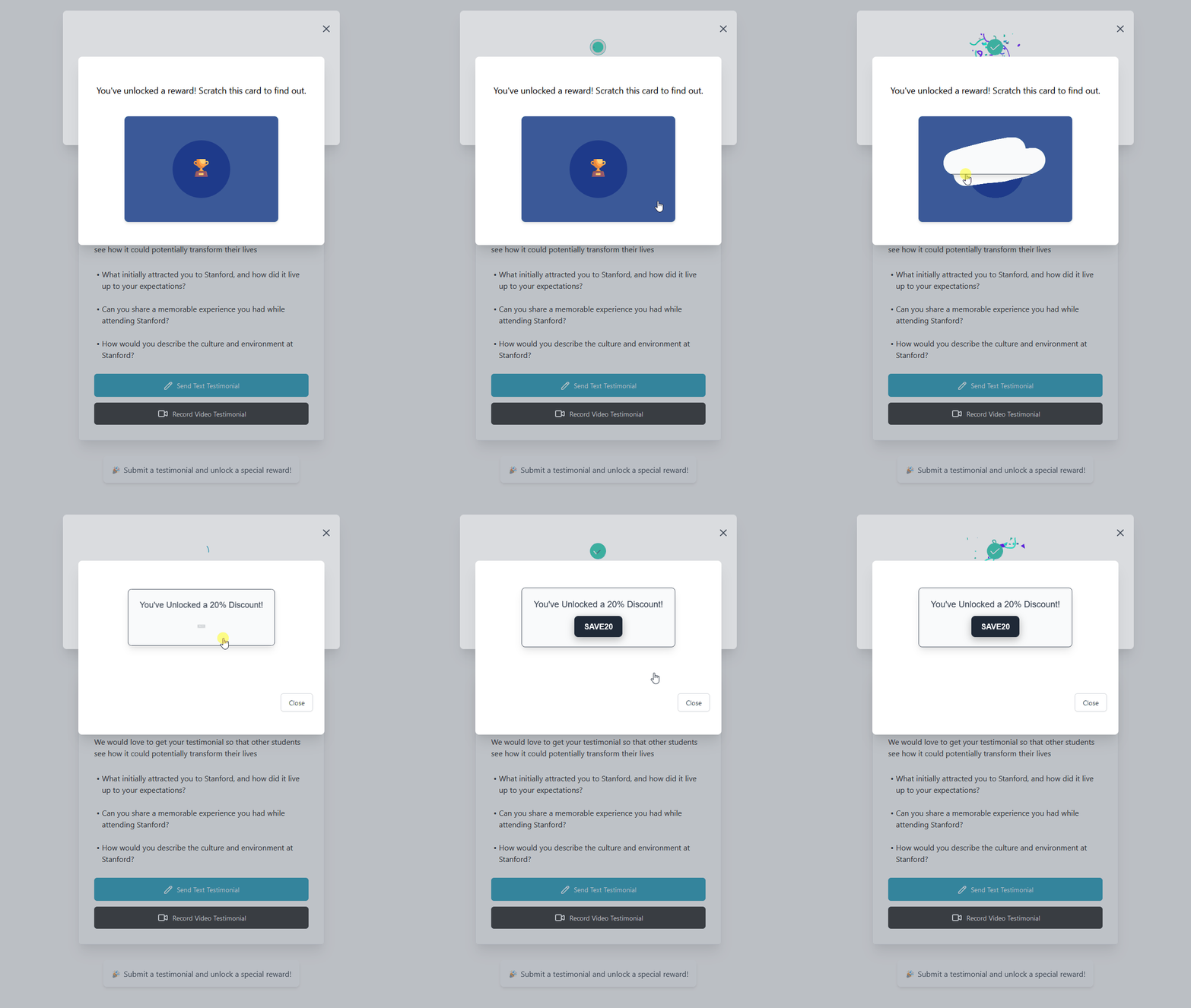
* Offer a discount code after submission
* Increase testimonial completion rates with a small incentive
Here's how you can do it:
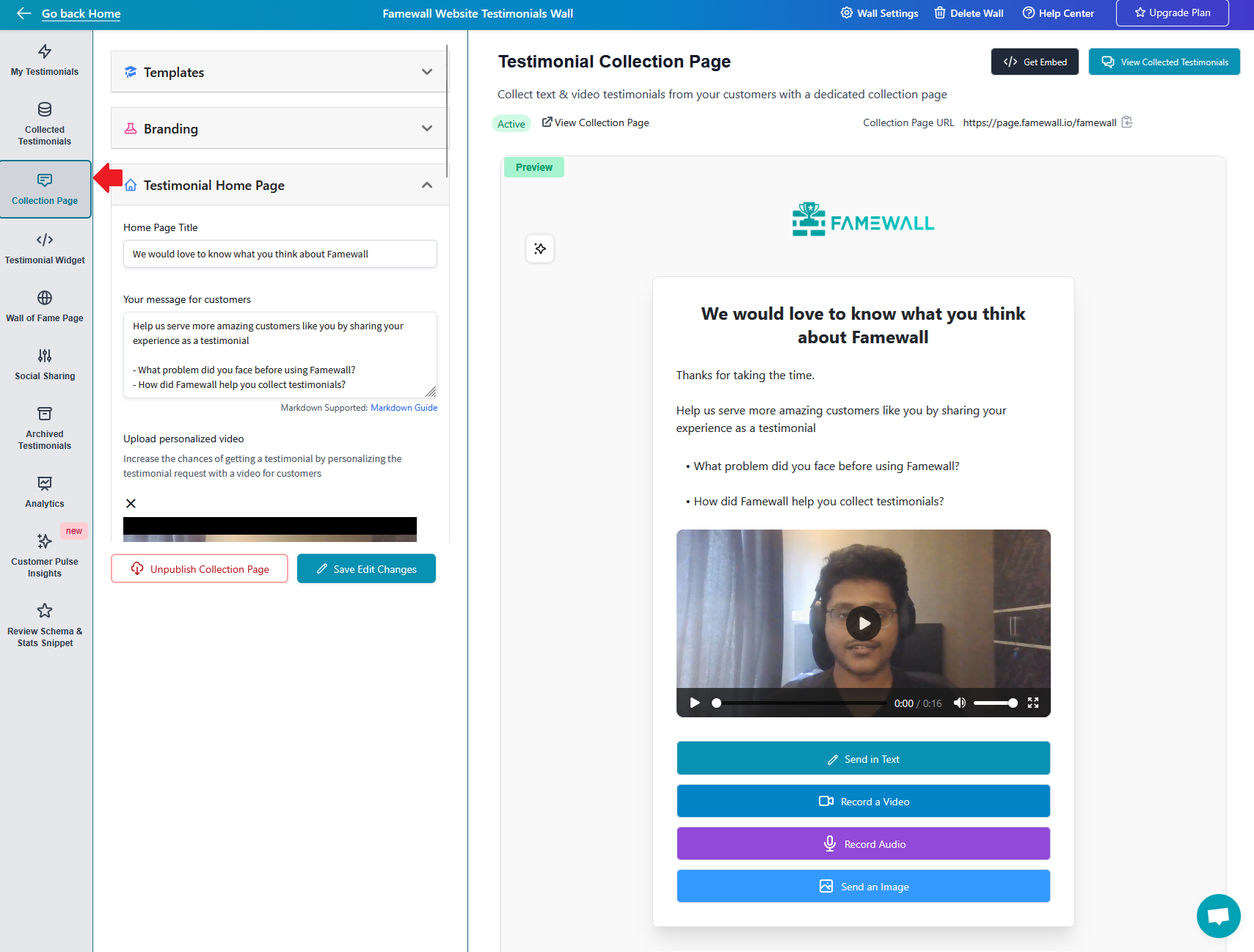
1. Head over to your testimonial wall and select the "Testimonial Collection Page" tab
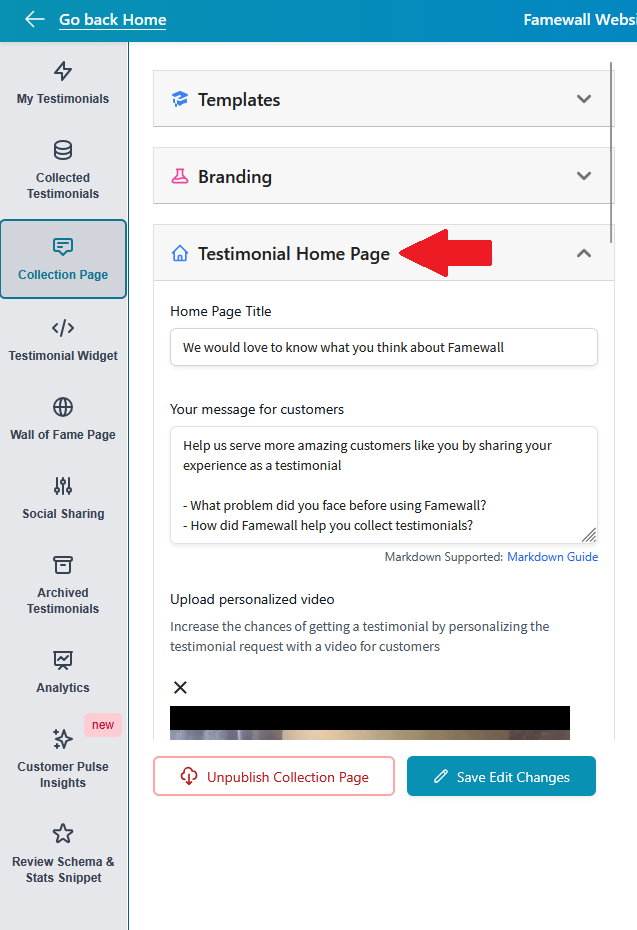
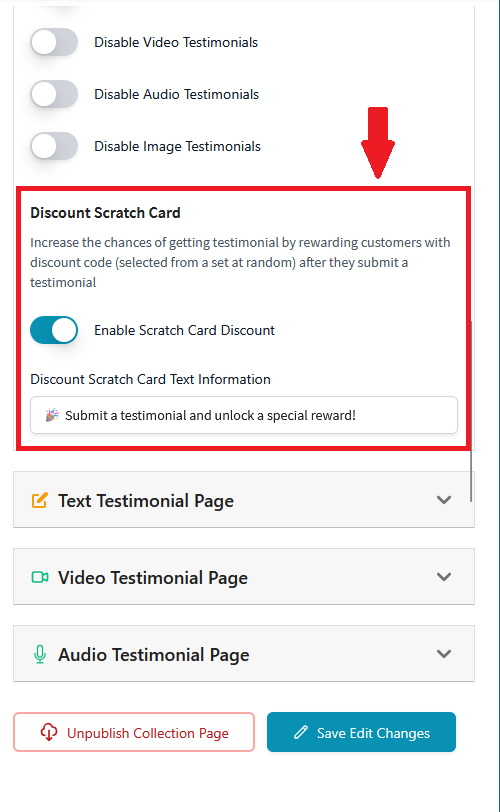
2. Under the Testimonial Home Page panel, find Enable Scratch Card and toggle it on. Then also add the message you'd like for your users to see before they even start submitting a testimonial
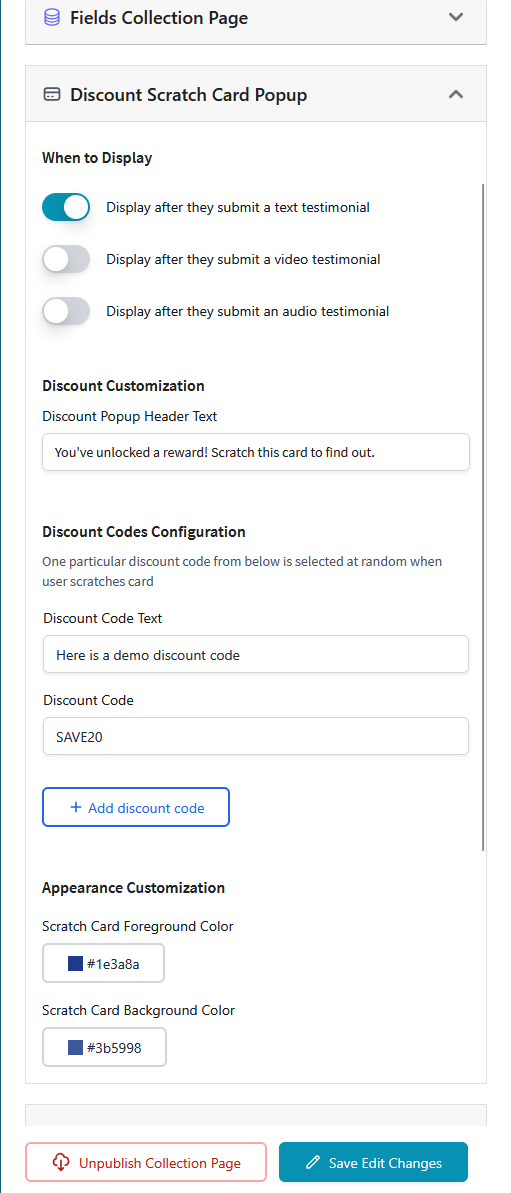
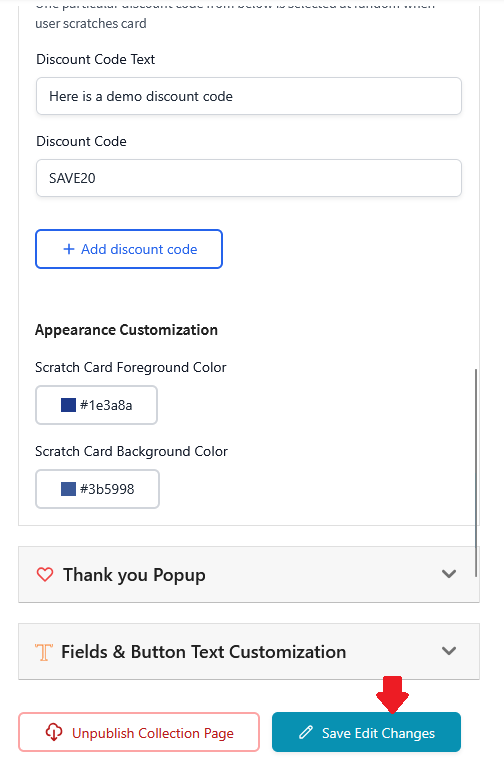
3. Once the Scratch Card is enabled, scroll down to the "Discount Scratch Card Popup" panel and configure the contents of the popup with the choice of discount codes/reward message of your choice
4. Once it is all done, click on "Save Edit Changes"
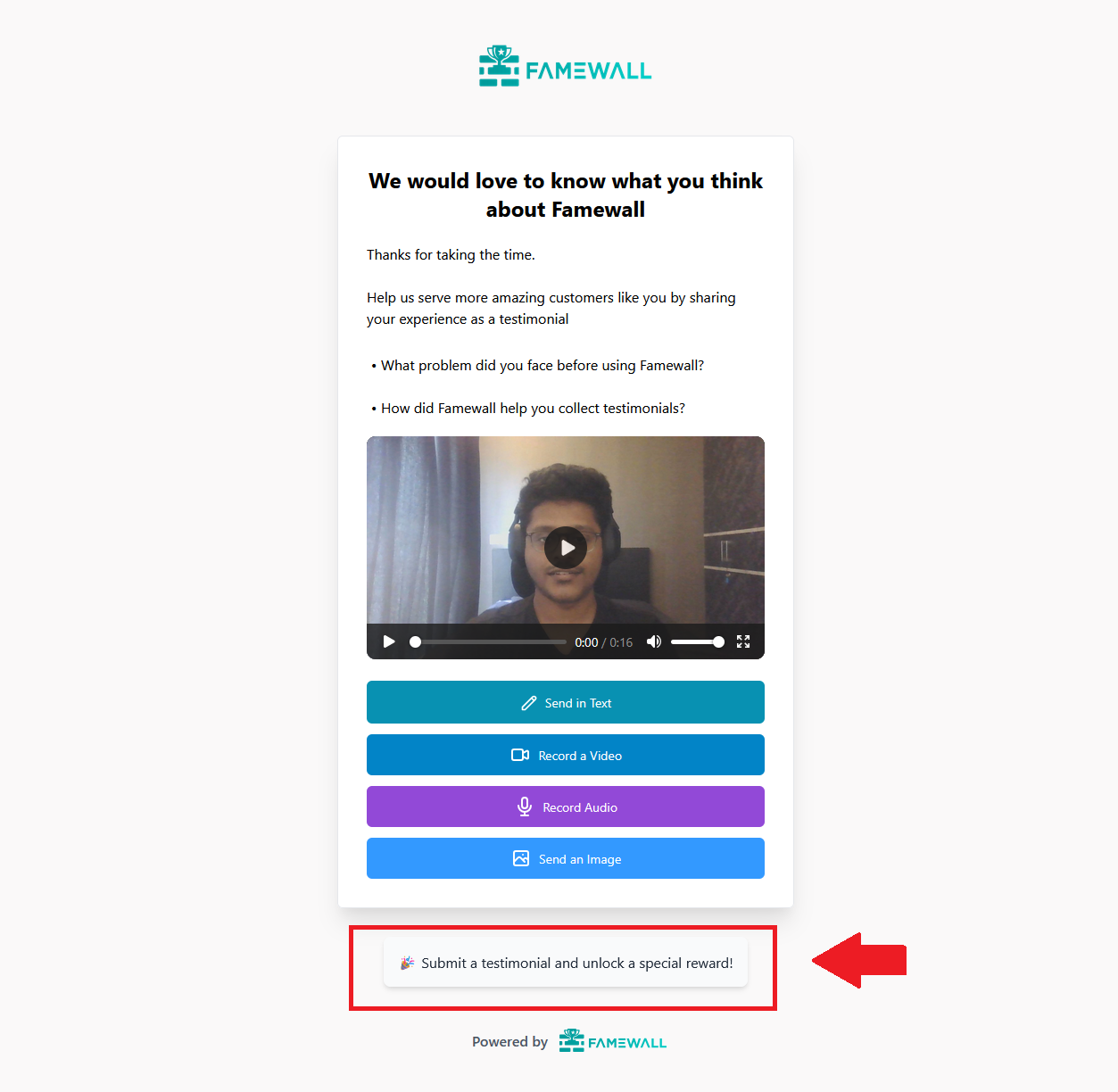
5. It would now go live on your actual testimonial collection page. Here's how it would work. Users will be able to see the testimonial incentive message you configured initially
6. And once users finish submitting a testimonial as you intended, they will see the scratch card popping up on their screen. Once they scratch it, they get the reward which they can use